


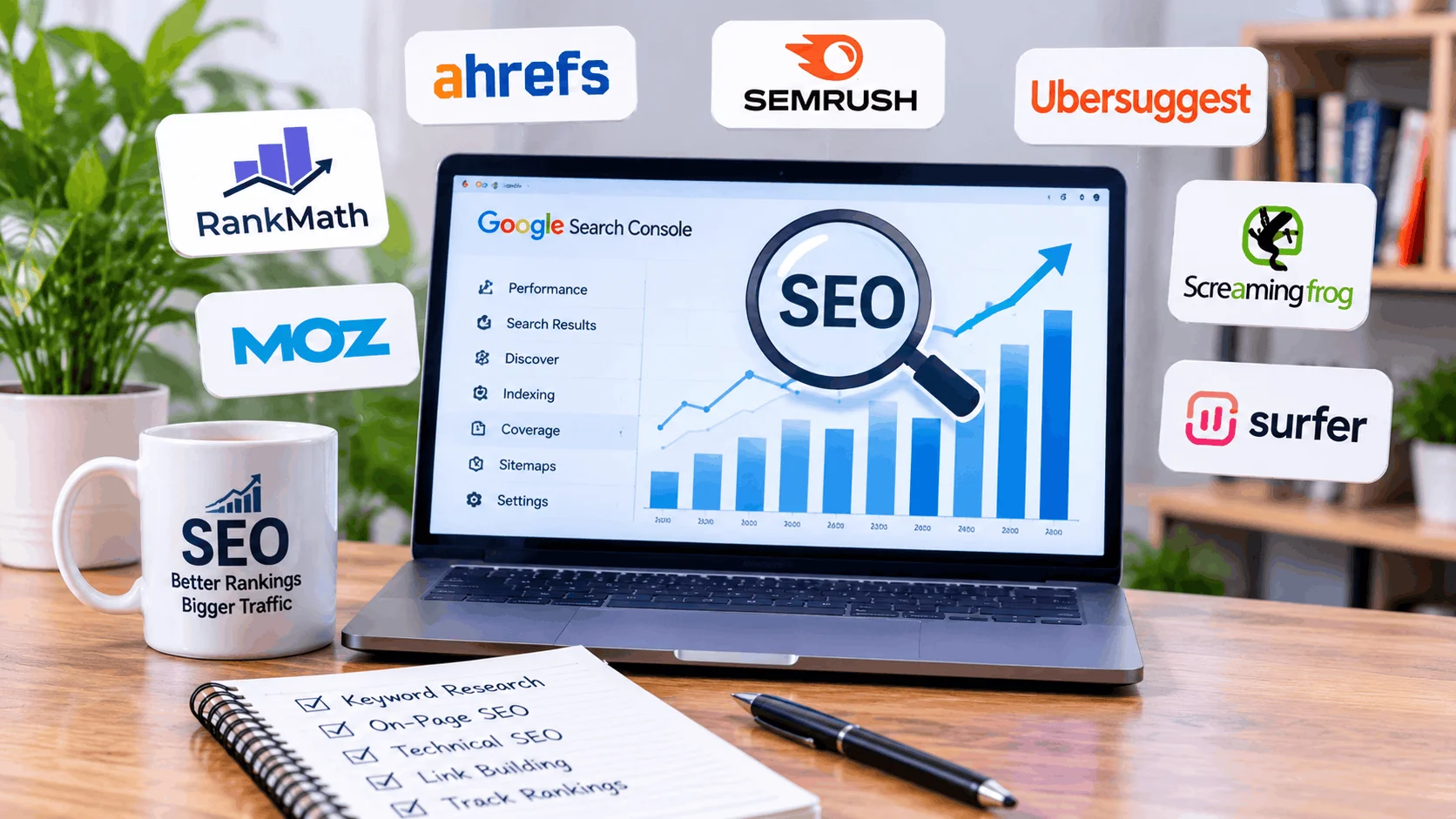
Search engine optimization is an important part of growing any website online. Whether you run a personal blog, business website, or online store, using the right SEO software can help you attract more visitors from search engines.
However, managing SEO without the right tools can take a lot of time. You need to research keywords, analyze competitors, check backlinks, monitor website performance, and find technical errors.
This is where the best SEO tools can make a real difference. They help website owners understand what is working, identify problems, and create better strategies to improve their search visibility.
In this guide, we will explore 10 useful SEO tools in 2026, including free and paid options for beginners, bloggers, freelancers, and professional marketers.
What Are SEO Tools?
SEO tools are software applications that help website owners improve their visibility in search engines like Google and Bing.
These tools provide useful information about website performance, keywords, backlinks, technical issues, and competitors.
Most SEO tools offer features such as:
- Keyword research and search volume analysis
- Website performance tracking
- Competitor SEO analysis
- Backlink monitoring
- Technical SEO audits
- Content optimization
- Search engine ranking reports
For additional guidance, read Google’s official SEO Starter Guide.
10 Best SEO Tools in 2026
Here are some popular SEO tools that can help you manage different parts of your SEO strategy.
1. Google Search Console
Google Search Console is one of the most useful free SEO tools for website owners. It helps you understand how your website performs in Google Search.
You can use it to check which keywords bring visitors to your website and identify pages that have indexing problems.
Main Features:
- Monitor website clicks and impressions.
- Check keyword performance.
- Submit XML sitemaps.
- Identify indexing errors.
- Monitor website search visibility.
Best For: Bloggers, website owners, and SEO beginners.
2. Ahrefs
Ahrefs is a popular SEO platform known for backlink analysis and competitor research. It helps marketers understand where competitors receive backlinks and which pages attract organic traffic.
You can also discover keyword opportunities and analyze your website’s backlink profile.
Main Features:
- Backlink analysis.
- Keyword research.
- Competitor analysis.
- Content gap research.
- Website auditing.
Best For: SEO professionals, agencies, and experienced bloggers.
3. Semrush
Semrush is an all-in-one SEO platform that offers several tools for improving website visibility. It can help with keyword research, competitor analysis, backlink monitoring, and position tracking.
It is especially useful when you want to manage multiple SEO tasks from one platform.
Main Features:
- Keyword research.
- Competitor traffic analysis.
- Backlink auditing.
- Position tracking.
- Website SEO audits.
Best For: Digital marketers, businesses, and SEO agencies.
4. Ubersuggest
Ubersuggest is a beginner-friendly SEO tool that helps users discover keyword ideas and analyze competitors.
It provides useful information about keyword difficulty, estimated search volume, and content opportunities.
Main Features:
- Keyword suggestions.
- Keyword difficulty analysis.
- Domain overview.
- Backlink information.
- Content ideas.
Best For: New bloggers and small businesses.
5. Google Keyword Planner
Google Keyword Planner is a keyword research tool available through Google Ads. It helps users discover relevant keywords and understand their estimated search demand.
Although it was designed for advertisers, bloggers and SEO professionals can also use it for content planning.
Main Features:
- Find new keyword ideas.
- Check estimated search volume.
- Discover related keywords.
- Review advertising competition.
- Plan keyword-focused content.
Best For: Bloggers, advertisers, and content creators.
6. Screaming Frog SEO Spider
Screaming Frog SEO Spider is a website crawling tool that helps identify technical SEO problems.
It scans website pages and collects information about broken links, missing titles, duplicate content, redirects, and other technical issues.
Main Features:
- Find broken links.
- Identify missing meta descriptions.
- Check page titles.
- Analyze redirects.
- Review website structure.
Best For: Technical SEO experts and website developers.
7. Moz Pro
Moz Pro provides different SEO features to help users improve their website rankings. It offers keyword research, link analysis, and website auditing features.
Its beginner-friendly interface makes it useful for people who want to understand important SEO metrics.
Main Features:
- Keyword research.
- Link analysis.
- Rank tracking.
- Site crawling.
- SEO recommendations.
Best For: Small businesses and SEO beginners.
8. Google PageSpeed Insights
Google PageSpeed Insights helps you analyze how quickly your website loads on mobile and desktop devices.
It also provides suggestions to improve loading performance and Core Web Vitals.
Main Features:
- Mobile performance reports.
- Desktop performance reports.
- Core Web Vitals analysis.
- Loading speed recommendations.
- Performance improvement suggestions.
Best For: WordPress users, developers, and website owners.
9. Rank Math SEO
Rank Math is a WordPress SEO plugin that helps website owners optimize their content directly from the WordPress dashboard.
It provides useful on-page SEO recommendations and helps manage important SEO settings.
Main Features:
- Focus keyword optimization.
- Meta title and description settings.
- XML sitemap generation.
- Schema markup support.
- Internal linking suggestions.
Best For: WordPress bloggers and website owners.
10. Surfer SEO
Surfer SEO is a content optimization platform that helps writers create search-focused content.
It analyzes relevant search results and provides suggestions for improving content structure, keyword coverage, and topical relevance.
Main Features:
- Content optimization.
- Keyword suggestions.
- Content planning.
- SERP analysis.
- Content auditing.
Best For: Content writers, bloggers, and SEO teams.
Free vs Paid SEO Tools: Which One Should You Choose?
Choosing between free and paid SEO software depends on your website goals and budget.
Here is a simple comparison:
| Free SEO Tools | Paid SEO Tools |
|---|---|
| Google Search Console | Ahrefs |
| Google Keyword Planner | Semrush |
| Google PageSpeed Insights | Moz Pro |
| Bing Webmaster Tools | Surfer SEO |
| Google Trends | Advanced SEO platforms |
Free tools are often enough for beginners who want to understand website performance and basic SEO.
Paid tools are more useful when you need advanced competitor research, backlink analysis, keyword tracking, and detailed reports.
How to Choose the Right SEO Tool
Before purchasing an SEO subscription, consider what your website actually needs.
Here are some important points:
- Keyword Research: Choose a tool that helps you discover relevant keywords.
- Backlink Analysis: Look for backlink reports if link building is part of your strategy.
- Technical SEO: Use website crawlers to find broken links and technical errors.
- Content Optimization: Select a tool that helps improve your articles and website pages.
- Budget: Start with free options before investing in expensive software.
- Ease of Use: Choose a platform that matches your experience level.
You do not need to purchase every SEO tool available. Start with a few useful options and expand your toolkit as your website grows.
Which SEO Tools Are Best for Beginners?
If you are starting a new blog or website, you do not need an expensive subscription immediately.
A simple combination can help you manage most basic SEO activities.
We recommend starting with:
- Google Search Console for website performance.
- Google Keyword Planner for keyword ideas.
- Google PageSpeed Insights for website speed.
- Rank Math for WordPress on-page SEO.
- Screaming Frog for basic technical checks.
These tools can help you build a strong SEO foundation without spending a lot of money.
Final Thoughts
Choosing the right SEO software can make website optimization easier and more effective. Every tool has its own strengths, so the best option depends on your goals, experience, and budget.
Google Search Console is an excellent starting point for beginners, while Ahrefs and Semrush are useful for advanced keyword and competitor research. Screaming Frog can help identify technical problems, and Rank Math is a practical option for WordPress users.
The best SEO tools are not necessarily the most expensive ones. Focus on tools that solve your actual problems, improve your content, and help you understand your website’s performance.
For more SEO knowledge, explore Google’s SEO Starter Guide.
With the right combination of tools and a consistent SEO strategy, you can gradually build better search visibility and grow your website organically.
Frequently Asked Questions (FAQs)
1. What are the best SEO tools for beginners?
Google Search Console, Google Keyword Planner, PageSpeed Insights, and Rank Math are useful options for beginners.
2. Are there any free SEO tools?
Yes. Google Search Console, Google Trends, Google Keyword Planner, and PageSpeed Insights offer free features.
3. Which SEO tool is best for keyword research?
Ahrefs, Semrush, Ubersuggest, and Google Keyword Planner are popular options for keyword research.
4. Which SEO tool is best for backlinks?
Ahrefs and Semrush are popular choices for backlink analysis and competitor link research.
5. Do SEO tools guarantee higher Google rankings?
No. SEO tools provide data and recommendations, but rankings depend on many factors, including content quality, website performance, relevance, and competition.